Week 10 | March 4th - March 8th
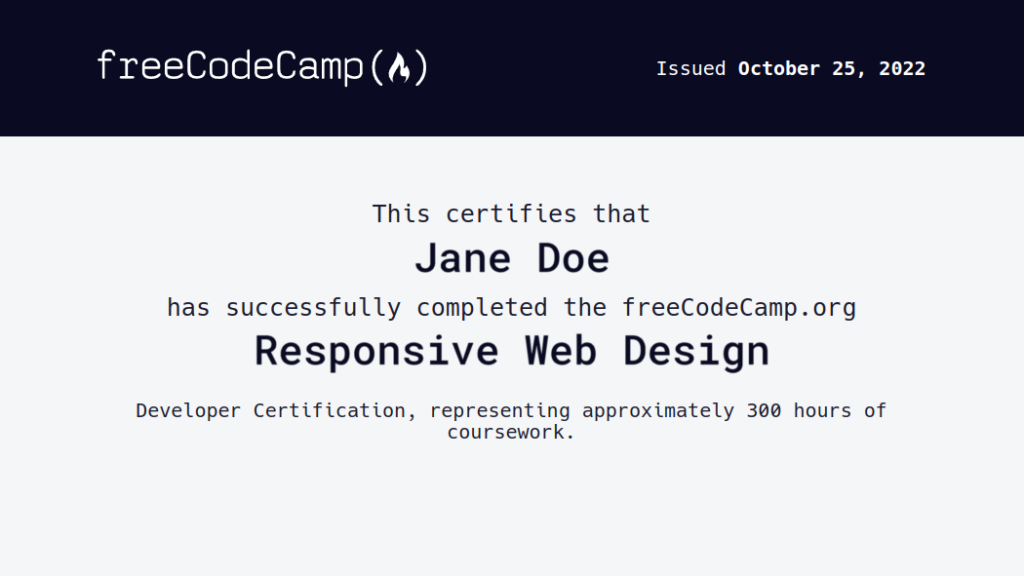
Welcome to Class! - What is Dead week?
- Quick discussion on "Mid Term" meetings
- You will need to make a sub page under "about me" called Meetings | See example page as needed
- Please take a moment today to make a copy and link to the MidTerm/EOC rubric
- Please work on FCC
- Today, and everyday, fill out your "What I Did Today"
- For full daily points, please review RUBRIC HERE

Welcome to Class!! Start @ the computers and roll over your week
- Please work on FCC or Complete your next lesson as needed
- This is wk10 - LAST WK OF Q3
- Today, and everyday, fill out your "What I Did Today"
- For full daily points, please review RUBRIC HERE

Week 9 | February 26th - March 1st
Welcome to Class! Teambuilding OK! | Quick disucssion on the next few Fridays
- Workplace Ready Skills - ALL THE TARGETS
- Before you start ANY teambuilding you will need to write in your "What I did Today" section to indicate whta skill you are working on
- Examples of Teambuilding activities
1.2.3 Demonstrate respect for diversity by valuing individual differences and working collaboratively with people of diverse backgrounds, viewpoints, and experiences
1.3.4 Demonstrate efficiency and productivity by planning, prioritizing, and adapting work goals to manage time and resources effectively
1.3.2 Demonstrate career and life management by planning, implementing, and managing personal and professional development goals related to education, career, finances, and health


Welcome to Class!
- Many students, Juniors are at Higher Ed Day
- You will need to make a sub page under "about me" called Meetings | See example page as needed
- Please take a moment today to make a copy and link to the MidTerm/EOC rubric
- Please work on FCC
- Today, and everyday, fill out your "What I Did Today"
- For full daily points, please review RUBRIC HERE

Welcome Back!! - Please start @ the computers
- Create your week 9 section in your portfolio
- Please make sure your most current section is at the top of your "What I Did Today" page
- Please work on FCC
- Today, and everyday, fill out your "What I Did Today"
- For full daily points, please review RUBRIC HERE

Week 8 | February 19th - February 23rd
Welcome to Class! Compete @ TSA - 2026-27 School Year - WEB MASTER!
- Please plan on starting at the computers the rest of this week.
- continue with FCC and log your progress in your progress log EACH DAY. Be very specific on which step you left off on by HYPER LINKING to your last step of each day.
- Let's lock in on this short week!
- Be sure to write in your "What I did today" section of your portfolio. Make sure to include details of your progress and artifacts and evidence!
Webmaster
Welcome to Class!! Start @ the computers and roll over your week
- Please work on FCC or Complete Lesson Zero as needed
- Today, and everyday, fill out your "What I Did Today"
- For full daily points, please review RUBRIC HERE

Week 7 | February 12th - February 16th
Welcome to Class! Day in the Life of...
- Please plan on starting at the computers on Friday this week.
- continue with FCC and log your progress in your progress log EACH DAY. Be very specific on which step you left off on by HYPER LINKING to your last step of each day.
- Let's lock in on this short week!
- Be sure to write in your "What I did today" section of your portfolio. Make sure to include details of your progress and artifacts and evidence!

Welcome Back!! - Please start @ the computers - you should have 450 steps complete, well into Responsive Web Dev Certification
- Create your week 7 section in your portfolio
- Please make sure your most current section is at the top of your "What I Did Today" page
- Please cycle over to work on FCC - Responsive Web Desgin V9. - Remember, in order to complete the ENTIRE certification you will need to average 75 steps per week.
- Reminder, no lab this week. Lock in on Certification progress.
- Today, and everyday, fill out your "What I Did Today"
- For full daily points, please review RUBRIC HERE

Week 6 | February 5th - February 9th
Welcome to Class! Teambuilding OK! | QUICK WATCH
- Workplace Ready Skills - ALL THE TARGETS 🎯
- Before you start ANY teambuilding you will need to write in your "What I did Today" section to indicate whta skill you are working on
- Examples of Teambuilding activities
1.2.3 Demonstrate respect for diversity by valuing individual differences and working collaboratively with people of diverse backgrounds, viewpoints, and experiences
1.3.4 Demonstrate efficiency and productivity by planning, prioritizing, and adapting work goals to manage time and resources effectively
1.3.2 Demonstrate career and life management by planning, implementing, and managing personal and professional development goals related to education, career, finances, and health

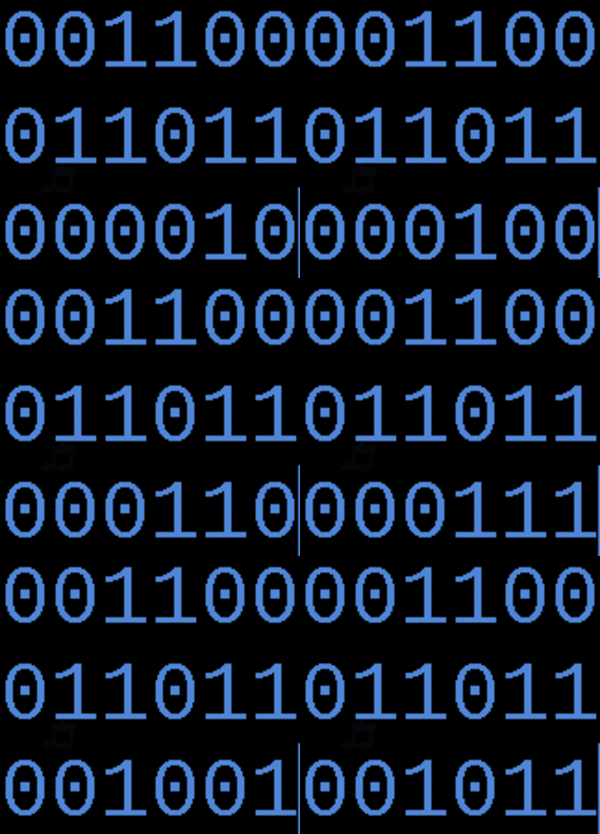
Welcome to Class!! Please meet in the Robotics/Esports room | Binary - Data Transfer | Part #1
- Today we will introduce Lab#5
- Create a descriptive thumbnail on YOUR lab page. Create a button that attaches to YOUR copy of your Lab#5
- Please note the most CURRENT step is at the top of each page.
- Please plan on starting at the computers Wednesday & Thursday this week.
- continue with FCC and log your progress in your progress log EACH DAY. Be very specific on which step you left off on by HYPER LINKING to your last step of each day.
- Be sure to write in your "What I did today" section of your portfolio. Make sure to include details of your progress and artifacts and evidence

Welcome Back!! - Please start @ the computers - you should have 375 steps complete, well into Responsive Web Dev Certification
- Create your week 6 section in your portfolio
- Please make sure your most current section is at the top of your "What I Did Today" page
- Please cycle over to work on FCC - Responsive Web Desgin V9. - Remember, in order to complete the ENTIRE certification you will need to average 75 steps per week.
- Today, and everyday, fill out your "What I Did Today"
- For full daily points, please review RUBRIC HERE

Week 5 | January 29th - Feb 2nd
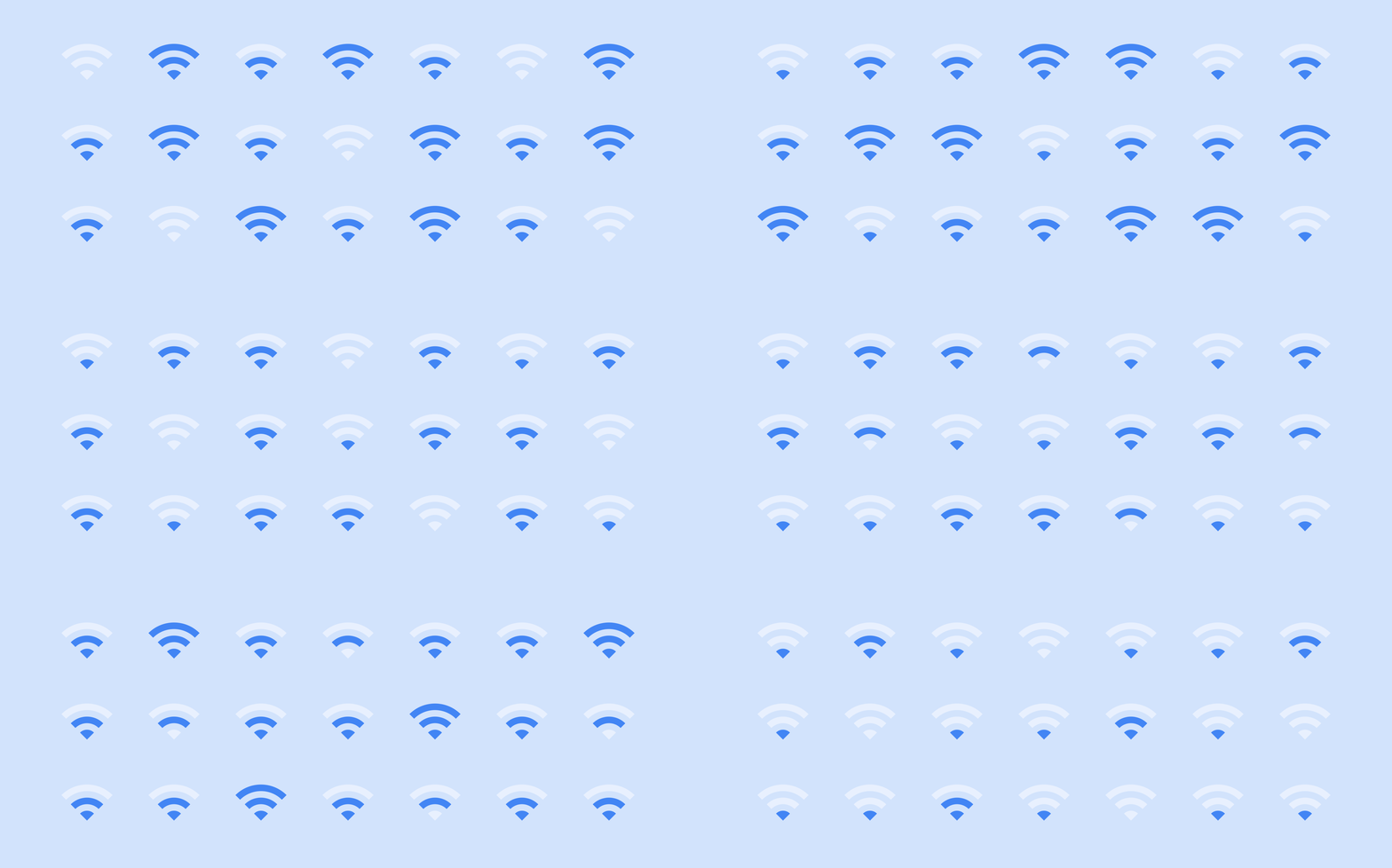
Welcome to Class!! Please meet in the Robotics/Esports room | Wifi, Ethernet & Fiber
- Today we will introduce Lab#4
- Create a descriptive thumbnail on YOUR lab page. Create a button that attaches to YOUR copy of your Lab#4
- Please plan on starting at the computers Wednesday, Thursday & Friday (Remember, Mrs. LaMarche will be @ the IETA conference)
- continue with FCC and log your progress in your progress log EACH DAY. Be very specific on which step you left off on by HYPER LINKING to your last step each day.
- Be sure to write in your "What I did today" section of your portfolio. Make sure to include details of your progress and artifacts and evidence

Welcome Back!! - Please start @ the computers
- Create your week 5 section in your portfolio
- Please make sure your most current section is at the top of your "What I Did Today" page
- Please work on FCC
- Today, and everyday, fill out your "What I Did Today"
- For full daily points, please review RUBRIC HERE

Week 4 | January 22nd - January 26th

Welcome to Class!! Please meet in the Robotics/Esports room | Internet: Wires, Cables, & Wifi
- Quick discussion on class days grouped together @ dev1.mrslamarche.org
- Please plan on starting at the computers on Friday (Remember, Mrs. LaMarche will be @ Robotics State on Friday)
- Please be on your VERY BEST behavior for your guest teacher
- continue with FCC and log your progress in your progress log EACH DAY. Be very specific on which step you left off on by HYPER LINKING to your last step each day.
- Be sure to write in your "What I did today" section of your portfolio. Make sure to include details of your progress and artifacts and evidence
Friday January 30th
Winter Spirit Assembly Schedule
1st Period 8:05-8:45
2nd Period 8:50-9:30
3rd Period 9:35-10:15
Release by Drum Corps at 10:15
Assembly 10:15-11:30
4th Period 11:35-12:15
Lunch 12:15-1:10
5th Period 1:15-1:55
6th Period 2:00-2:40
7th Period 2:45-3:25
Welcome to Class!! Please meet in the Robotics/Esports room | Form Reciept/ Email Artifacts
- Today we will introduce Lab#3
- Create a descriptive thumbnail on YOUR lab page. Create a button that attaches to YOUR copy of your Lab#3
- Please plan on starting at the computers Wednesday & Friday (Remember, Mrs. LaMarche will be @ Robotics State on Friday)
- continue with FCC and log your progress in your progress log EACH DAY. Be very specific on which step you left off on by HYPER LINKING to your last step each day.
- Be sure to write in your "What I did today" section of your portfolio. Make sure to include details of your progress and artifacts and evidence

Welcome Back!! - Please start @ the computers
- Create your week 4 section in your portfolio
- Please make sure your most current section is at the top of your "What I Did Today" page
- Please work on FCC
- Today, and everyday, fill out your "What I Did Today"
- For full daily points, please review RUBRIC HERE

Week 3 | January 15th - January 19th

What is a workplace-ready skill? How do we practice this?
- Workplace Ready Skills - ALL THE TARGETS 🎯
- Before you start ANY teambuilding you will need to write in your "What I did Today" section to indicate whta skill you are working on
- Examples of Teambuilding activities
1.2.3 Demonstrate respect for diversity by valuing individual differences and working collaboratively with people of diverse backgrounds, viewpoints, and experiences
1.3.4 Demonstrate efficiency and productivity by planning, prioritizing, and adapting work goals to manage time and resources effectively
1.3.2 Demonstrate career and life management by planning, implementing, and managing personal and professional development goals related to education, career, finances, and health

Welcome to Class!! Please meet in Robotics/Esports room
- It may take a few days for you to finish Lab#2
- Create a descriptive thumbnail on YOUR lab page. Create a button that attaches to YOUR copy of your Lab#2
- You may want to consider watching the Web Is for Everyone on one screen and on the other screen continue with FCC
- Please plan on starting at the computers Wednesday & Thursday
- continue with FCC and log your progress in your progress log EACH DAY. Be very specific on which step you left off on by HYPER LINKING to your last step each day.
- Be sure to write in your "What I did today" section of your portfolio. Make sure to include details of your progress and artifacts and evidenc
Welcome to Class! Please start @ the computers
- Since today is the first day of the week, its time to start your new week, Week 3 in your portfolio.
- Please take a moment to look over the EXMAPLE portfolio.
- Continue with FCC and log your progress in your "What I did today" section. You will need to make signifiant progress each day to earn your certification.
- Please note: the most recent week is at the top of the page and each week is it's own unique section
- Today, and everyday, please write in your "What I Did Today" section in your portfolio to share out all the cool things you have accomplished

Week 2 | January 8th - January 12th

Welcome to Class!! How do we create our lab page?
- Today we are going to create our lab page and complete our first lab (Quick demo in S3)
- Please feel free to take a look at the EXAMPLE portfolio lab page as a reference
- Labs are opportunities to learn information about web development outside of just coding
- Please take a moment to complete Evolution of the Internet. This is your first lab
- To turn in your lab you will need to complete THESE STEPS.
- Once your lab #1 is complete and posted, cycle over to FCC - Responsive Web Design - V9
- "What I Did Today" will be graded this weekend
- Today, and everyday, fill out your "What I Did Today" please review RUBRIC HERE

Welcome to Class! Please start in S2 Quick Preview of Lab#1 - Evolution of the Internet
- Return to S3 and continue with FCC and log your progress in your "What I did today" section.
- Each entry in your "What I did today" section should include artifacts to prove evidence of progress.
- Be sure to include a link (evidence) to where you are in FCC.
- Please plan on starting @ the Computers on both Wednesday & Thursday.
- Weeks 1 & 2 "What I did today" progress logs are due EVERYDAY and will be entered in powerschool this Friday.
- Be sure to write in your "What I did today" section of your portfolio. Make sure to include details of your progress along with artifacts and evidence.

Welcome to week 2! Please start @ the computers
- It was great being able to read your BIOS and learn a little bit more about each of you. This is a great class!
- Today, take a few moments to roll over to week 2 in your portfolio.
- Please ensure the most current week, week 2, is at the very top of your "WIDT" section.
- Please work on FCC - Responsive Web Design - V9
- Today, and everyday, fill out your "What I Did Today" please review RUBRIC HERE

Week 1 | January 4th - January 5th
PLEASE START IN S2 (We'll start at the computers on Monday) Quick FCC Demo & Plans for success next week!
Welcome to class!
- Please make sure you are using both monitors to your full advantage
- Have the class site (dev1.mrslamarche.org) on 1 screen and YOUR site/ fcc on the other.
- Have a wonderful weekend
- Continue to work on Responsive Web Design Certfification V9
- If you get stuck remember to use the button

Remember, today, and EVERYDAY, before you leave class report back in your "What I Did Today" page. Use FCC references as artifacts of progress. This is due EVERY DAY! | RUBRIC HERE. I am looking forward to reading on the great things you are doing in class each day!
Please meet in S2! We will have a "QUICK DEMO" on how to make your Free Code Camp Profile public and link this profile to your portfolio Page. We will be using V9 this semester.
Welcome to Class!!
- Please take the EOC pretest, please do so TODAY
- Create a button on your "What I did Today" Section to include a link to your FREE CODE CAMP Profile **ensure your profile, heatmap, points & certifications are all public
- A few house keeping items. | | |
- Cycle over to FREE CODE CAMP - Responsive Web design V9
- Write in your "what I did Today" Section of your portfolio the last 5 min in class.
- Next week we will start labs 🙌🙌🙌

Remember, today, and EVERYDAY, before you leave class report back in your "What I Did Today" page. Use FCC references as artifacts of progress. This is due EVERY DAY! | RUBRIC HERE. I am looking forward to reading on the great things you are doing in class each day!
Please meet in S2! We will have a "QUICK DEMO" on how to build your "What I Did Today" page. This is due EVERY DAY! | RUBRIC HERE.
Once you have submitted your response, you will be sent a receipt with your answers via email. Please make sure you keep this receipt as you will be adding this to your Web Design Digital Portfolio. This is an exercise in harvesting artifacts.

While everyone is filling out the"Getting To Know YOU" form, Help Desk students will be walking around to make sure everyone is able to sign in to a computer using their own log in. Remember, S3 is on a DMZ network. Please keep in mind I am teaching two different subjects this class period. We will need to work together. 2nd hour is especially exciting since we have THREE SUBJECTS being taught. Please ask if you have questions. You might consider asking the person next to you if you have a question or you can always use the JUST ASK BUTTON. I am certain if we all work together we can get all the questions we have answered!
Upon completion of the "Getting To Know YOU" form please head on over to - freecodecamp.org, create an account with freecodecamp.org - using your mytfsd.org google account. [Sign in using google]. Start Learning RIGHT AWAY! The first certification you will be required to finish is RESPONSIVE WEB DESIGN. This will allow you to work at your own pace and ALSO obtain industry certifications recognized by companies such as Google, Microsoft, Apple, Amazon, and more. Why do you think tech companies look for certifications on job applications? Why might you want to include tech certificates on your resume?
Remember, today, and EVERYDAY, before you leave class report back in your "What I Did Today" page. This is due EVERY DAY! | RUBRIC HERE. I am looking forward to reading on the great things you are doing in class each day!
Welcome to Class!
- Quick discussion on professional portfolio (meet in S2 [robotics and esports room])
- All instruction for ALL CLASS was located @ mrslamarche.org
- Build portfolio @ sites.google.com
- Help Desk students will be taking pictures of each student